Remote Affidavit Verification by Video Call (before a Lawyer)
Sign an affidavit before a lawyer by video call, without coming to the office — under Bar Ethics Decision 39/20 with identification through the government ADAM system. ILS 120 incl. VAT.
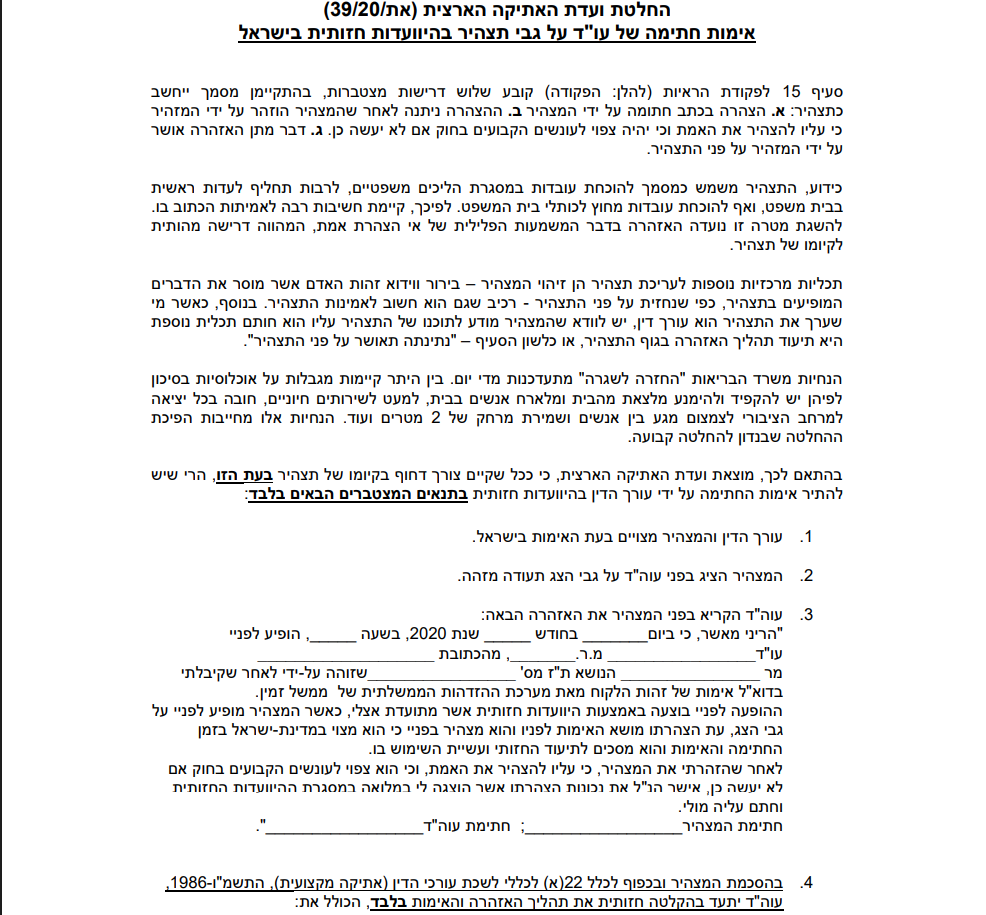
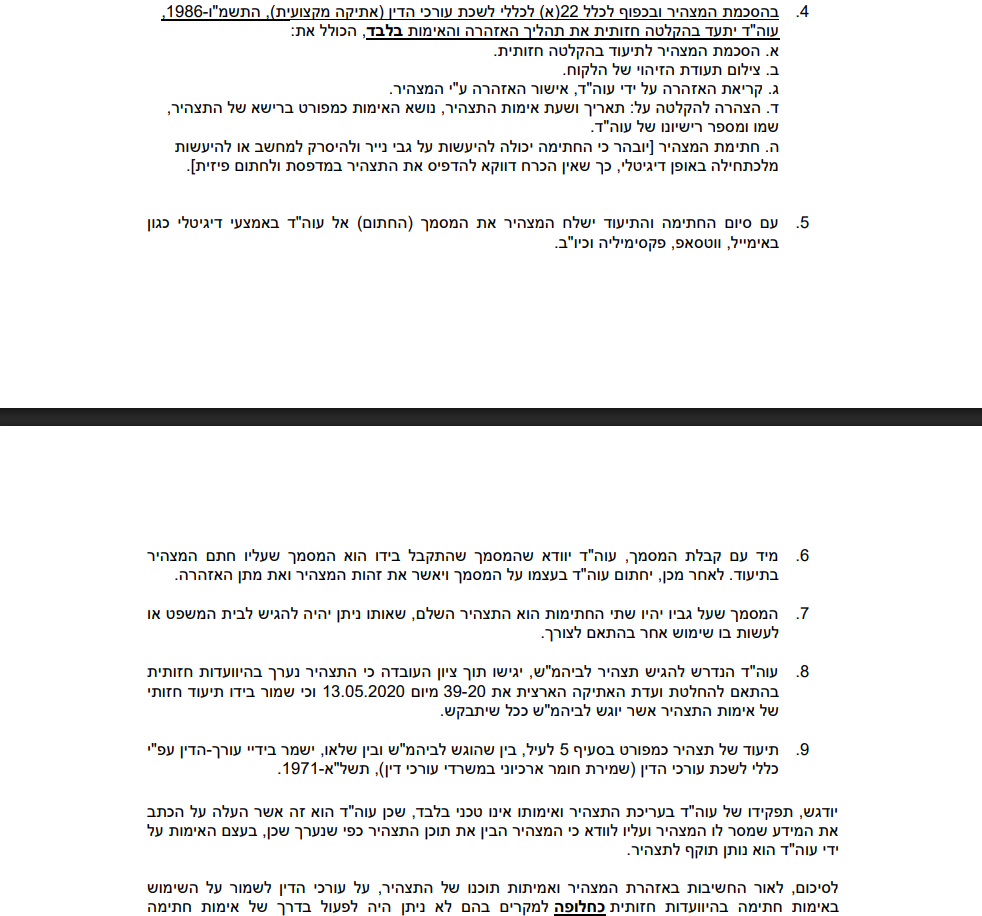
Need to sign an affidavit before a lawyer but cannot get to the office? You can do it from home, by video call — lawfully and in a regulated procedure, under Decision 39/20 of the Israel Bar Association’s National Ethics Committee, which has since become a permanent arrangement. An affidavit signed this way is admissible in the courts, the Enforcement Authority and any other authority, exactly like one signed in the office.
How it works — 4 steps
- Send us the affidavit (Word/PDF) through the form here or by email.
- Schedule a video call — Zoom, Google Meet, Teams or WhatsApp video, whichever suits you. Usually within one business day.
- Identify yourself in the Ministry of Justice’s “ADAM” system during the call (see below) and show your ID card or passport to the camera.
- The lawyer reads the statutory warning, you sign on camera and send us the signed page (photo/scan). We certify the signature and email you the verified, digitally signed affidavit.
What is the ADAM system and why is it required?
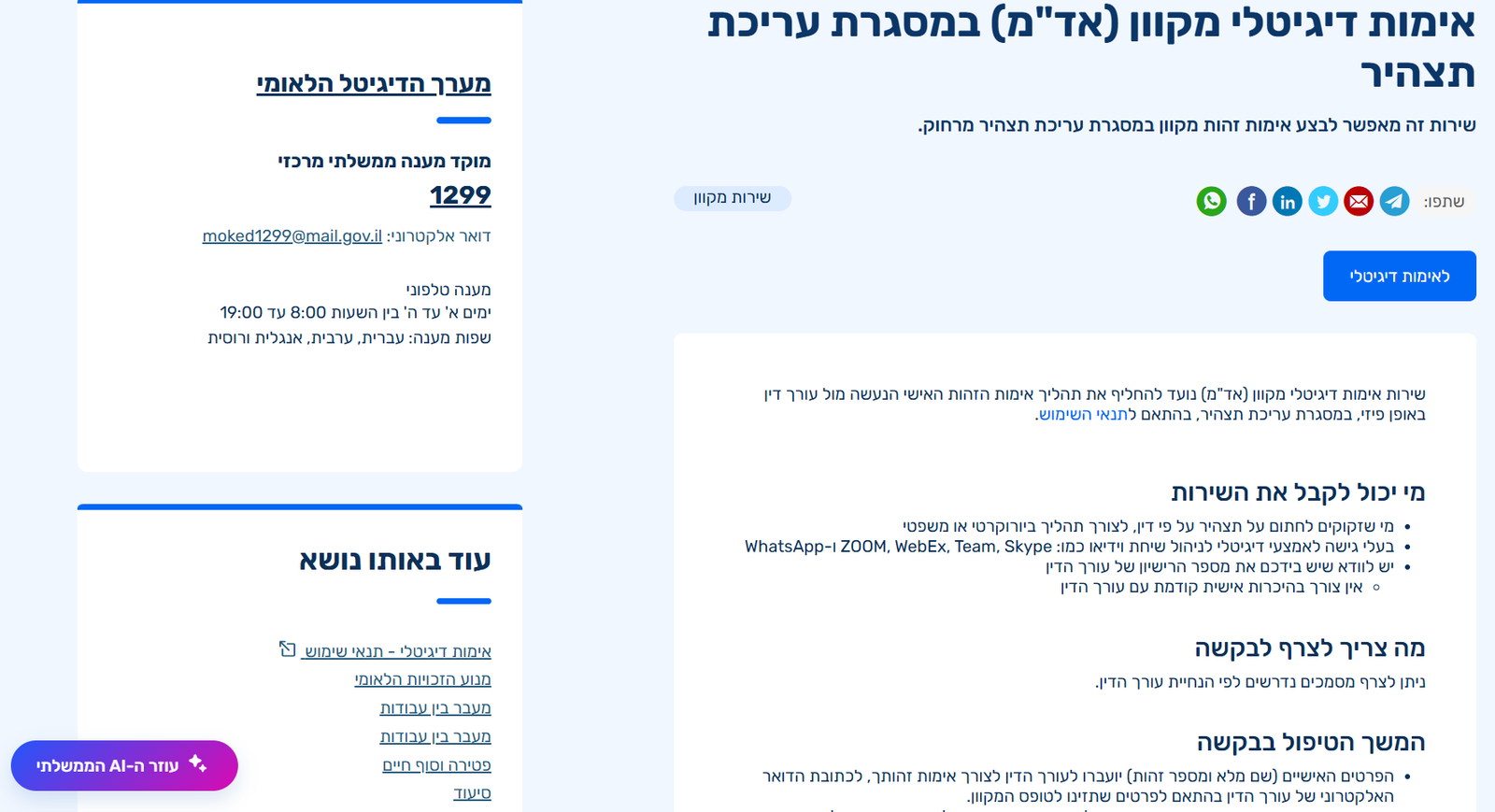
ADAM — Online Digital Identity Verification (Hebrew: אימות דיגיטלי מקוון, אד”מ) — is a government system of the Ministry of Justice and the National Digital Agency that replaces the physical ID check at the lawyer’s office. You log in with your Israeli government ID credentials, enter the lawyer’s licence number, and the system sends the lawyer confirmation of your identity and checks against the border-control registry that you are in Israel (a mandatory condition for remote verification). It takes about 2 minutes and is done during the video call.
👈 ADAM on gov.il — “Online digital verification as part of drawing up an affidavit” (Hebrew)
What you will need
- A valid Israeli ID card or passport (a driving licence is not sufficient).
- A computer or phone with a camera and stable internet, and a video app (Zoom / Meet / Teams / WhatsApp).
- A printed copy of the affidavit to sign in pen, or the ability to sign the file digitally.
- Israeli government login credentials (gov.il password/SMS or smart card).
- To be in Israel during the call. If you are abroad, contact us — alternative arrangements exist (consulate, or Opinion 150/25 depending on the type of affidavit).
Recording the call — why and how
Under the decision the lawyer must video-record the warning and verification procedure, with your knowledge and consent. The recording covers the ID presentation, the reading of the warning, the signing, and the date and time. It is kept only in the firm’s archive, is not handed to anyone and is never published — it would be produced only if a court requires it. The affidavit will state that verification was done by video conference and that a record exists.
Price
ILS 120 incl. VAT per declarant.
FAQ
Is an affidavit signed over Zoom admissible in court? Yes. The decision requires the lawyer filing it to note that it was made by video conference and that a record is held — and courts have accepted such affidavits routinely since 2020.
Is this a notarial affidavit? No. This is verification of a signature on an affidavit before a lawyer under section 15 of the Evidence Ordinance — which is what the vast majority of proceedings require (courts, Enforcement Authority, National Insurance, authorities). If a notarial certificate is specifically required, see Notary Services.
Can it be done without ADAM? No. Identification through the government system is a condition of the Ethics Committee decision — it replaces the physical ID check.
What is included
- Scheduled video call with a lawyer (Zoom / Meet / Teams / WhatsApp)
- Guidance for identifying in the Ministry of Justice ADAM system
- Statutory warning, signature verification and recorded documentation per the decision
- Verified, digitally signed affidavit by email — admissible in courts and enforcement
Documents to attach
- Affidavit draft
Word or PDF file of the affidavit to be signed.
What we will ask you
- What is the affidavit for? (court / enforcement / National Insurance / other authority)Required
- Do you have a ready affidavit draft?Required
- Which app is convenient for the call?Required
- Convenient times for the call (days and hours)Required
- I confirm I will be in Israel during the call, will present an ID card/passport, and consent to the recording of the warning and verification procedure as required by the Ethics Committee decisionRequired